-
Continue reading →: Crow, Purple, Lark and other places to eat
Seattle used to be pretty baron of great places to eat, but now the number of new trendy restaurants is getting hard to keep track of. Beside “Lark”:http://www.larkseattle.com/ which just won Best Chef in the Northwest from James Beard, there is also “Purple”:http://www.thepurplecafe.com/ in downtown which has great cheeses and…
-
Continue reading →: Axis and Allies
Got this game on a whim. It is actually pretty fun and even somewhat realistic. There are of course lots of sites that cover it and the strategies. The 2004 version as http://www.morrisongames.com/ explains had lots of rules changes. The main thing though is to figure out what strategies work.…
-
Continue reading →: TomTom GO 720
After reading reviews from “gpsreview.net”:http://gpsreview.net, I finally caved and got an el cheapo $300 GPS for our old Volvo. It cost about $3000 for the DVD Navigation unit in new cars, so its interesting to see how good the add-on products are. I have to say I’m amazed. The thing…
-
Continue reading →: Apptapp Repositories
One of the truly cool things about iPhone applications (assuming you have a jailbroken iPhone or iPod Touch) is that the user community is amazing. Most folks now use Apptapp which downloads applications over the internet automatically for you. You get Apptapp pretty much automatically if you use “jailbreakme.com”:http://jailbreakme.com for…
-
Continue reading →: Exposure adjustments in Snow
Well it did snow here in Seattle. An amazing day. A camera’s normally miraculous autoexposure system can be confused by snow. As “Luminous-Landscape.com”:http://www.luminous-landscape.com/forum/lofiversion/index.php/t195.html explains, the camera is set to see the world as 18% grey, so if the world is much more white (e.g., snow), it will tend to underexpose…
-
Continue reading →: Mac Office PID changing
“Creativetechs.com”:http://www.creativetechs.com/tips/quicktips_43.html helps when you accidentally type the same PID into two computers. Basically, you have to delete the files: /Applications/Microsoft Office 2004/Office/ – OfficePID (normally an invisible file) Users/[Username]/Library/Preferences/Microsoft – Carbon Registration Database – Office Registration Cache – Microsoft Office Settings Then Mac Office acts like it has been reinstalled…
Hello,
I’m Rich & Co.
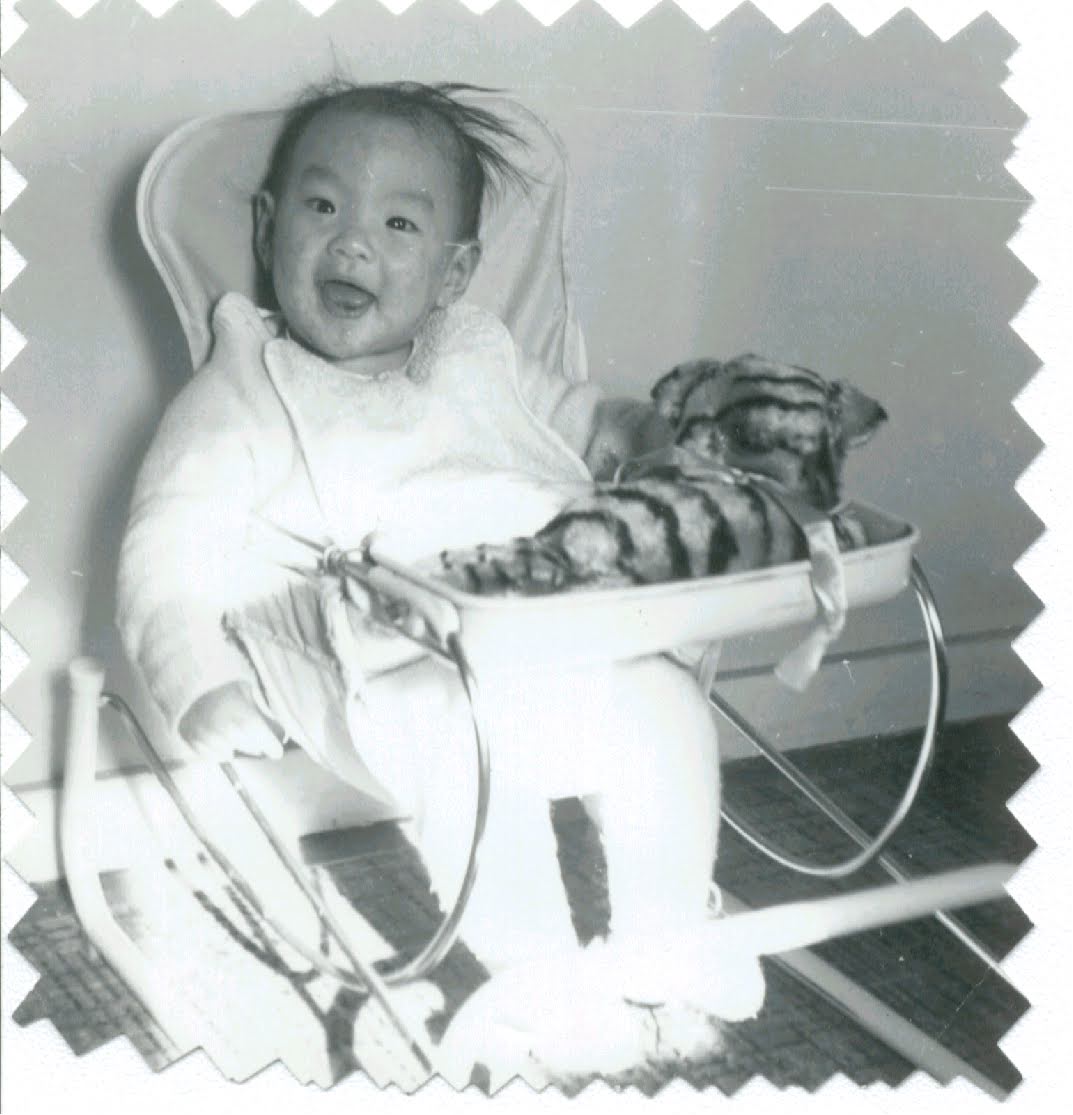
Welcome to Tongfamily, our cozy corner of the internet dedicated to all things technology and interesting. Here, we invite you to join us on a journey of tips, tricks, and traps. Let’s get geeky!
Let’s connect
Join the nerds!
Stay updated with our latest tutorials and ideas by joining our newsletter.
Recent posts




- Loading Mastodon feed…