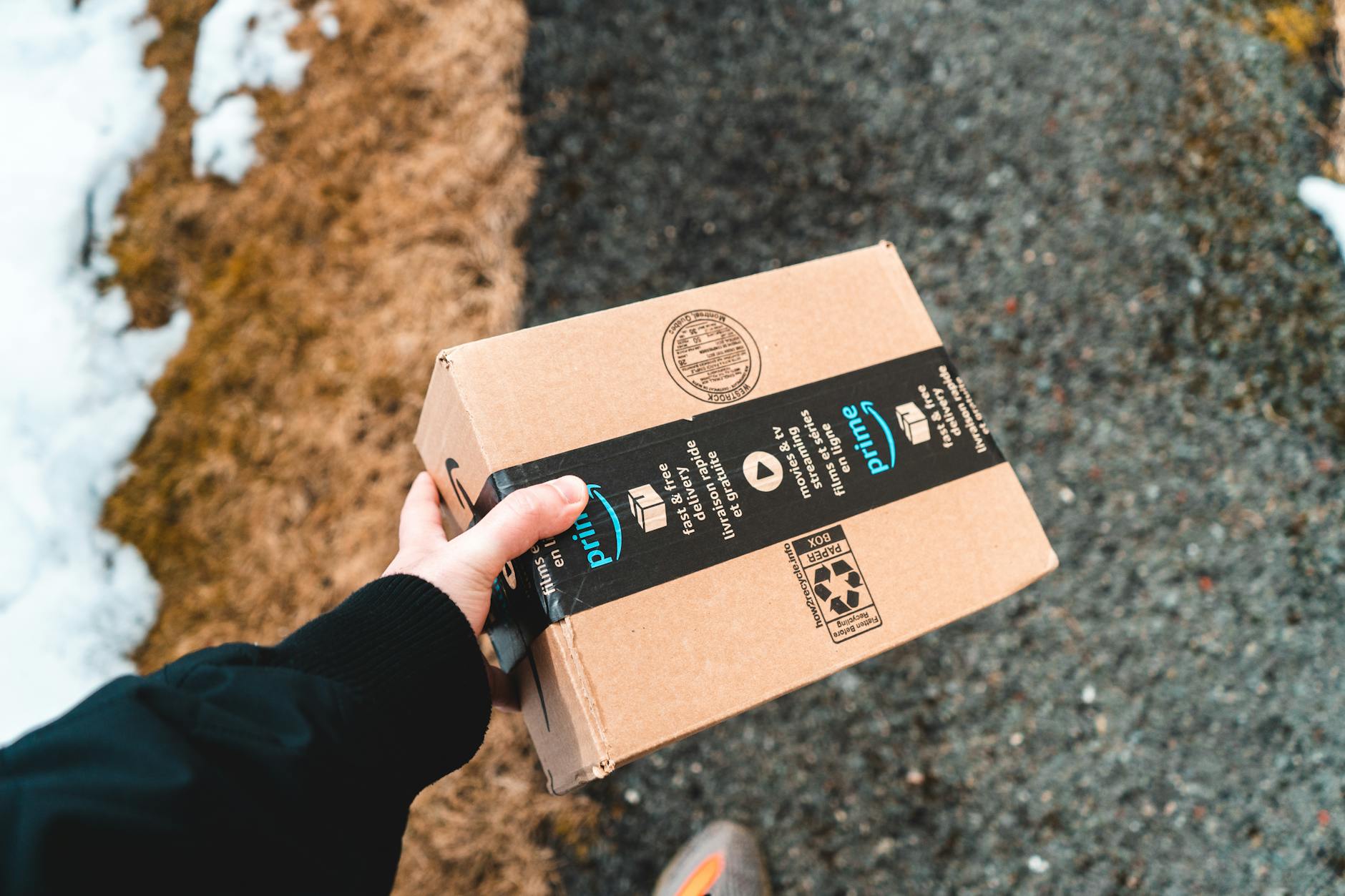
This is actually pretty confusing but the main thing is that Altoona thing sAmazon Household has disappeared. The text is confusing. It says you can share your prime benefits with one adult and four children but it turns out this is a bit of an oversell. It should say select (and very few benefits).
The free shipping for others ended on October 1 which was really confusing.
There are four different accounts
- Owner. This is the adult who has bought Prime for $139
- Adult linked accounts. They have a separate login. You have to invite the by email. You need to agree to share payment methods. I’ve not figure out how to do that. It’s not in the Amazon family interface. There is supposed to be an interface that asks if you want to link wallets but this didn’t come up for us. Sigh.
- Adult profile. They use the owners login but you cans with to a profile in the account tab. So you get shopping preferences.
- Kids profile. This means that with an amazing kids tablet they can get books and games. And mother else
So you can see the difference between adult linked and adult profile is subtle in the user interface but the implications are:
Amazon Prime Now Shipping (owner, 1 linked adult and all adult profiles). In your household only one other full adult account gets prime shipping. And they don’t have teen program anymore. So for your kids tha are young they can’t buy. If you want your teens to have some autonomy, it’s pretty sad. You have to give them fill access to your Amazon account but you can setup. Profile for them that at least manages their shopping preferences but they fill control over everything. Else. They say that you can give one adult the prime shopping g privilege but I can’t get this to work. I’ve tried customer support but seems to be no way to shop.
However, I have not found a way to enable it for more than just the primary holder
Amazon Prime Video (everyone). This is reasonably open now. More so than Netflix. Your single prime account gives every access. The kids profiles have a mandatory restriction at 14 and under. Also it’s confusing but you have to create a kids profile on the Amazon Family interface and in the Amazon Prime Video profiles. Make sure the bars are the same.
Grubhub•++ (owner). You and to activate by clicking on a link
Earnify for bp (owner). For bp-Amoco. Right now $0.25/gallon off on fridays through 2026
Amazon Music Prime (owner). Only the owner. It says you can’t download but I found that I can download. But it looks like you can’t download individual songs but you can download playlists so they are probably using radio roles to power their cost.
KIndle (owner and kids profiles on kids fire). This changed also I think. No more book sharing. Also since the kindle app doesn’t support adult profiles you can’t share. You can allow kids access to books to read on kids fire tablets only.
Amazon Music (owner only, cross linked adults ). No sharing here and this streaming only. No offline use. It’s ad free but you only get shuffle play. Like the Spotify free tier I think. For real sharing you need a separate Amazon Music Family Plan. If you share payment methods then you can federate purchases.
Amazon Photos (owner and linked adults only). A strange one but unlimited full resolution photos storage but 5GB for videos only. strangely mine says 10GB. Maybe grandfathered? Nice way to at least double backup am Apple iCloud Photos. But for photos only. Google Workspace is probably a better alternative. Because I’m conservative I actually do Amazon photos, iCloud backup and Google Photos backup since we have Google workspace plan.
Audible (owner). There’s no sharing method I could find.